
A quick answer
For video podcasts, work with your video file in the Studio. Develop a thumbnail, title idea and Shorts suggestions. Review guests, quotes and captions. This video workflow is not an audio-only or podcast RSS import.
Explain the episode
Choose a subject that accurately describes the conversation.
Review guests
Check image permission and likeness.
Keep the meaning
A clip should not remove essential context.
A layout example for a podcast episode
The portrait and microphone symbols suggest a conversation. Replace the sample text with a specific point from your episode. The wording in the image is a sample headline, not evidence of an exclusive topic or product capability.
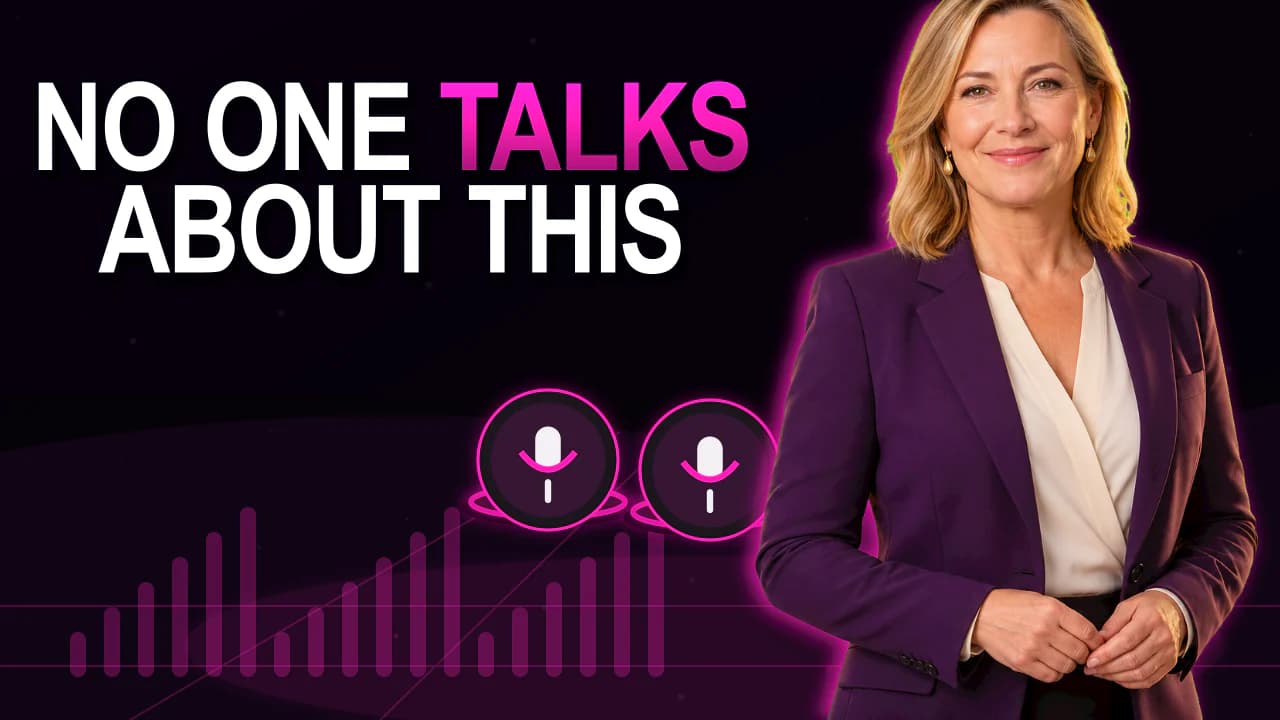
Existing style previews for reference. They demonstrate neither a measured click-through rate nor an unchanged person after AI regeneration.
How to approach it
Choose the video
Use the episode's recording.
Define the subject
State the question or insight it discusses.
Review the guest
Compare generated faces or use an original frame.
Check the excerpt
Inspect its opening, ending and captions before exporting.
Guest and subject in the thumbnail
A name alone does not explain every episode. The image and title can show the question being discussed together.
Use an original frame when the actual appearance matters. Compare generated guest images against the reference.
Episode, clip and playlist cover
An episode thumbnail and a podcast playlist cover serve different surfaces. Review the relevant platform requirements for each.
All paid plans include Shorts suggestions. MP4 rendering with captions requires Pro or Business.
Good to know
Can I import only an audio file?
The workflow described here requires a video file. It is not an audio-only import.
Can a clip show only the most interesting sentence?
Check whether the sentence retains its meaning without the explanation. Include any necessary context.