
A quick answer
Title and thumbnail pairs combine an image idea with a relevant video title. The title-pair tool in Pro and Business develops those concepts from your content. Variations are suggestions for selection or a later experiment, not proven winners.
A shared promise
Title and image describe the same content.
Useful added detail
Use the title for context the image cannot hold.
Prepare variations
Compare different ideas for the same episode.
Let the image question and video title work together
The thumbnail asks a question about Google. An illustrative video title could be “Three questions for your next privacy check”. The title adds an angle instead of repeating the words in the image. Use the pair only if your video actually covers that subject.
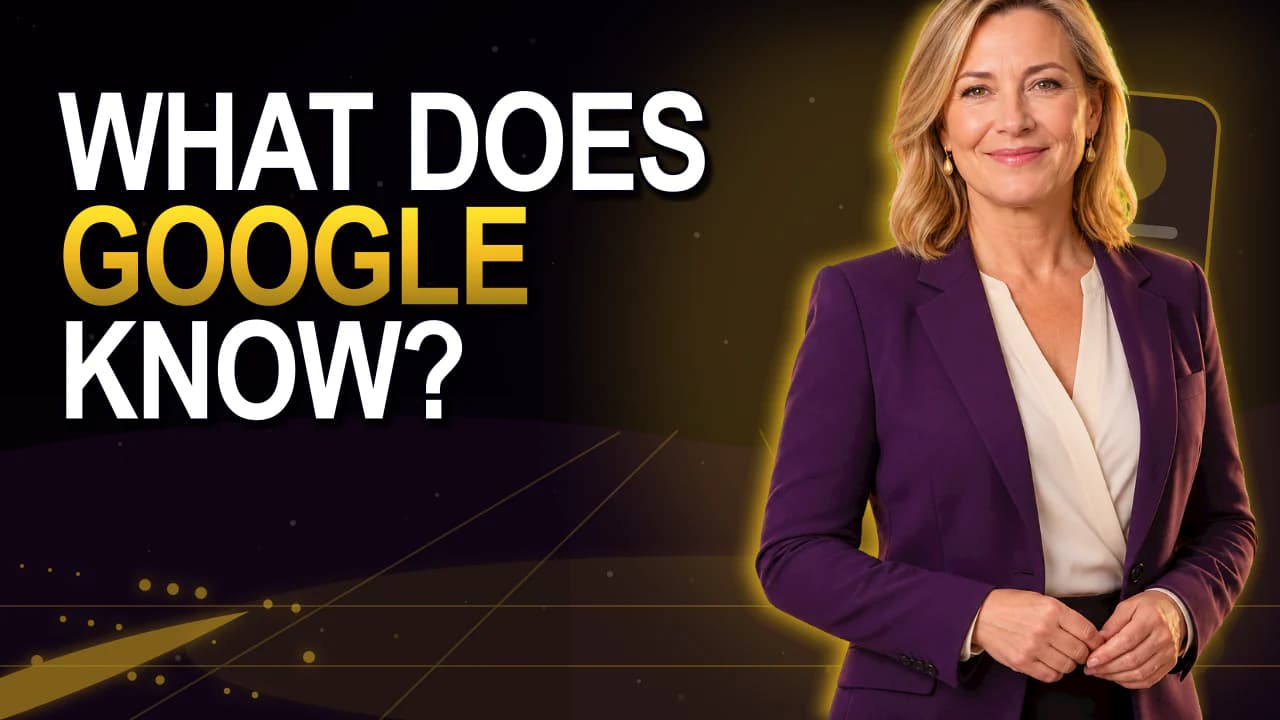
Existing style previews for reference. They demonstrate neither a measured click-through rate nor an unchanged person after AI regeneration.
How to approach it
Define the content
Write down the outcome and intended audience.
Choose an image idea
Decide what the thumbnail will show.
Add a title
Explain context rather than repeating the image text.
Review the pair
Check the message and readability together.
Find unnecessary repetition
When the title and image carry the same long sentence, the second space adds little. Check whether the title can make the subject more specific.
Both may share important terms. Remove repetitions only when they add no useful explanation.
Prepare concepts for an experiment
Compare a practical walkthrough with an analysis of mistakes if your video supports both. Give each pair its own clear idea.
Run the real A/B experiment outside the Studio. Keep the pair and report together so the selection remains understandable.
Good to know
Which plans include the title-pair tool?
Pro and Business. Check the displayed token cost before starting.
Are these concepts tested winners?
No. They are drafts. Measure viewer responses through a real experiment.
Can I test only the thumbnail?
Yes, if your channel tool supports it. Keep the title unchanged for that comparison.