
A quick answer
Saved looks help reuse a visual direction. The Studio includes 19 styles. Save up to 20 looks per workspace, including looks based on your own reference design. Adapt the subject, wording and person for each episode; a saved style is not an immutable layout template.
Reuse a look
Start later drafts with a familiar direction.
19 styles
Select a starting point suited to the subject.
Vary the content
Let the current video determine the image's message.
Two layouts to help define your style
Both previews use the same example person with different accent colours and text. Decide which elements should repeat across your series. Use your saved looks as a starting point and review each new draft.

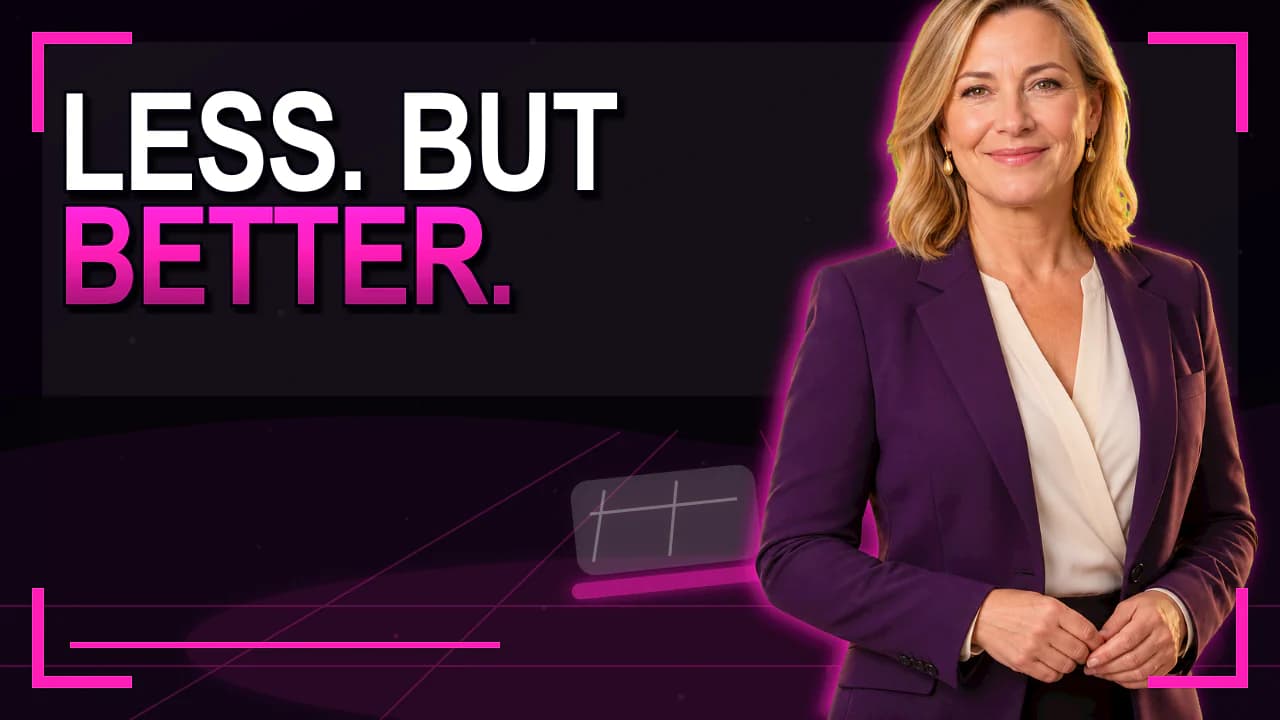
Existing style previews for reference. They demonstrate neither a measured click-through rate nor an unchanged person after AI regeneration.
How to approach it
Define the series
Choose which videos need a shared visual framework.
Select a look
Pick a style that suits the content.
Save the direction
Keep the look for later projects.
Review the episode
Check contrast, faces and lettering every time.
What can stay consistent
Colour and image style can connect episodes. The subject and message should still explain the individual video.
Keep short notes describing which design elements your series should preserve.
Separate styles from brand features
A saved look describes a visual direction. Brand features cover further requirements and are included in Pro and Business.
Review current plans before subscribing if your workflow needs logos or fixed brand guidelines.
Good to know
How many looks can I save?
Up to 20 per workspace. Saved presets and looks with a reference image share this limit. Saving requires a paid plan and editing access.
Is a saved look a fixed grid?
No. It reuses a direction; generated layouts and details may vary.
Does every plan include brand features?
No. Those features belong to Pro and Business. Current plans describe the scope.