
A quick answer
Decide what your video promises, choose a relevant subject and add a few words if useful. Review the small image. Let the title explain details the thumbnail leaves open.
One message
Choose the problem or result your image shows.
A readable subject
A face, object or result still makes sense when small.
A matching title
Image and title describe the same video without repeating everything.
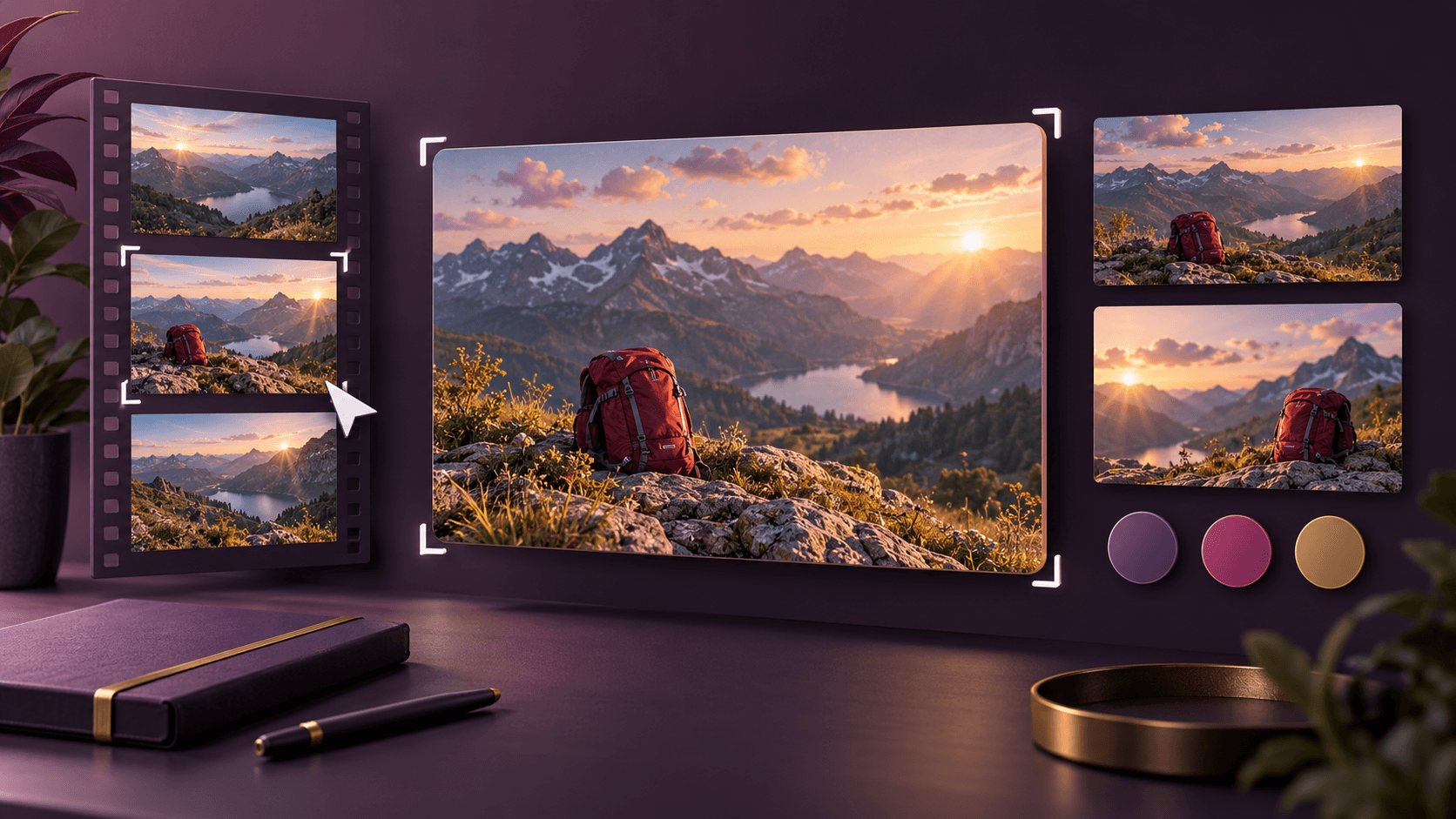
Check the subject and text in an example
The subject sits on the right and the text on the left. For your video, use the short headline to make a specific point. Check that it remains readable in a small preview and fits the video title.
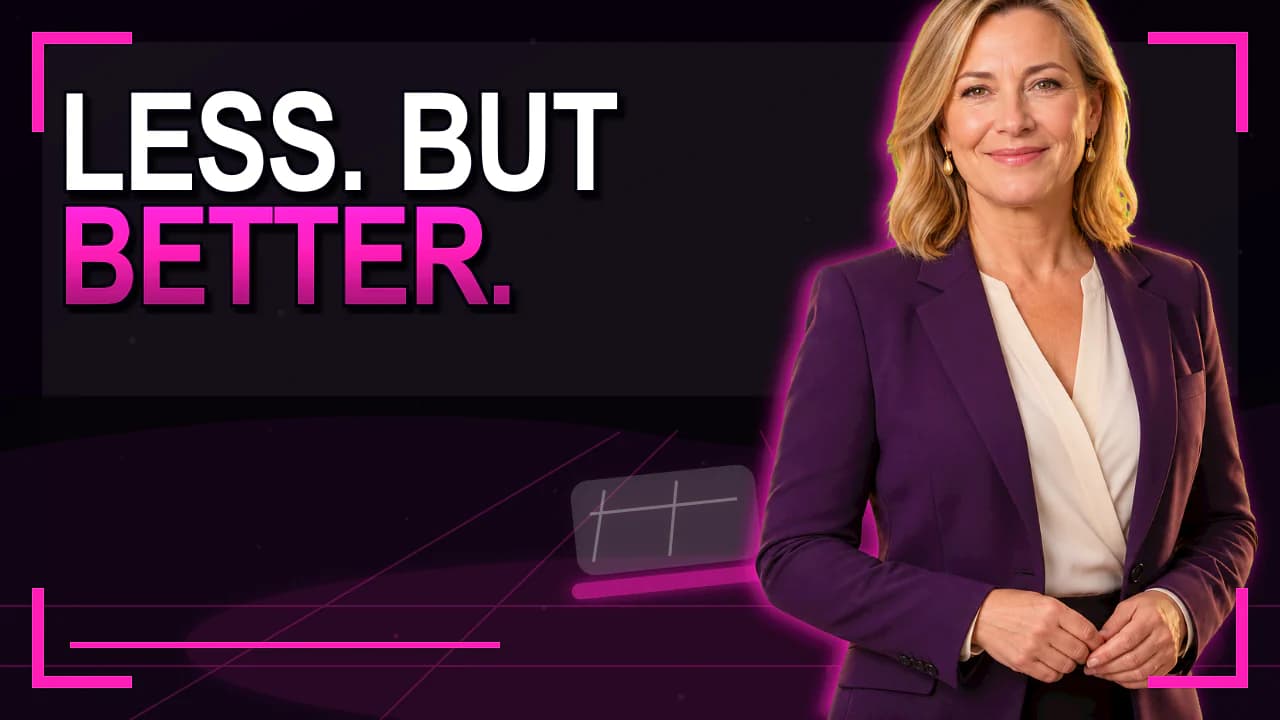
Existing style previews for reference. They demonstrate neither a measured click-through rate nor an unchanged person after AI regeneration.
How to approach it
Write the benefit
Summarise the video in one sentence.
Choose the image
Show a result, object or relevant moment.
Shorten the text
Remove words the title already explains.
Review it small
Check the subject and message in the preview.
The image needs no chapter list
An interview, product and three chapter headings compete for attention. Choose the idea that best explains why someone would watch.
Keep words away from eyes and important details. Open space gives you room for larger lettering.
Make a promise the video delivers
Check whether numbers, before-and-after scenes or phrases create misleading expectations. A dramatic image should fit the actual content.
Develop drafts from your material in the Studio. Upload the reviewed export to YouTube yourself.
Good to know
Do I need to show my face?
No. A clear object, demonstration or result can also explain the subject.
How much text should I use?
Enough to make the idea understandable. Check the smallest preview; a fixed word count cannot replace that review.